QQ Sync & Backup Guides
Everything you need to keep QQ in sync across your devices and your data safe — from multi-device sync to backing up your local vault and understanding cloud account sync.
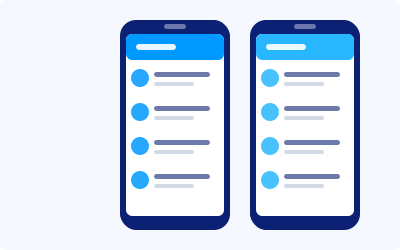
Everything you need to keep QQ in sync across your devices and your data safe — from multi-device sync to backing up your local vault and understanding cloud account sync.
Three focused guides to keep your QQ data synced and backed up.
Use one QQ account on your PC, Mac and phone at once, with chats and contacts kept in sync in real time.
BackupProtect the local data vault on your device — cached chats and received files — before reinstalling or switching computers.
CloudUnderstand what QQ's cloud account sync does (and doesn't) cover, and how to make sure your account roams correctly.